
 #6 of 9 in Webcams & Audio
Webcamby Razer
Razer Kiyo Webcam
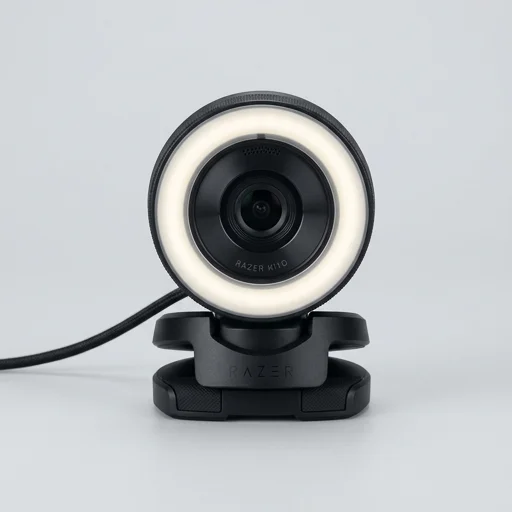
The Razer Kiyo is a smart pick for streamers and remote workers who want better lighting without buying extra gear.
- Build quality8.0
- Performance8.8
- Ease of use8.5
- Value8.1
- Built-in ring light
- 1080p streaming quality
- Plug-and-play simplicity
As an Amazon Associate we earn from qualifying purchases. Price and availability are shown on Amazon.
Our take
What it's like to live with
The Razer Kiyo webcam stands out in the crowded world of laptop and tablet accessories by solving one of the most persistent problems streamers and remote workers face: poor, uneven lighting. Built with a ring light encircling its lens, the Kiyo lets users dial in brightness levels with a simple twist, eliminating the need for separate lighting rigs or awkward desk lamp setups. This integrated approach makes it especially appealing to content creators, Twitch streamers, and video callers who want professional-looking footage without cluttering their workspace with extra gear. The device connects via USB and is designed to pair effortlessly with laptops, tablets, and desktop setups alike, making it a flexible accessory for anyone who spends significant time on camera.
Beyond its signature lighting ring, the Razer Kiyo delivers solid imaging performance with support for 1080p video at 30 frames per second, or 720p at a smoother 60 frames per second for those prioritizing fluid motion over resolution. Autofocus technology keeps the subject sharp even with movement, which matters during dynamic gameplay commentary or lively video chats. The adjustable clip mount attaches securely to laptop screens and external monitors, while the compact tripod-ready base offers placement flexibility for tablet users or those who prefer a stationary desk setup. This adaptability means the webcam fits naturally into a variety of workspace configurations, whether someone is broadcasting from a gaming rig or hopping between devices throughout the day.
Durability and ease of use round out the appeal of this accessory, with plug-and-play functionality that requires no complicated driver installation for basic use, though Razer's companion software unlocks deeper customization for advanced users. The compact, travel-friendly design means it can easily accompany a laptop or tablet from a home office to a coworking space without adding meaningful bulk to a bag. As a laptop and tablet accessory, the Razer Kiyo occupies a practical niche for anyone seeking to elevate their video presence, whether for professional meetings, online classes, or live-streamed entertainment, all while keeping setup simple and the overall footprint minimal.
Spec sheet
Technical specifications
- Resolution
- 1080p at 30FPS / 720p at 60FPS
- Light Ring Levels
- 12 adjustable brightness settings
- Connectivity
- USB 2.0
- Mount Type
- Monitor clip or tripod thread
- Field of View
- 81.6 degrees
- Brand
- Razer
- Type
- Webcam
Key features
What you get
- 01Built-in adjustable ring light for balanced lighting
- 021080p 30FPS or 720p 60FPS video recording
- 03Adaptive light ring with 12 brightness levels
- 04Plug-and-play USB connectivity
- 05Universal tripod mount compatibility
- 06Broadcast-quality image sensor optimized for streaming
Pros & cons
The good and the trade-offs
What we like 5
- Ring light eliminates need for separate lighting setup
- Easy plug-and-play setup with no software required
- Good low-light performance thanks to adjustable ring light
- Compact design fits well on monitors or tripods
- Solid value for streamers and content creators
Watch out for 5
- Autofocus can hunt in certain lighting conditions
- 720p 60FPS mode reduces resolution for smoother motion
- Ring light can produce glare on glasses
- No stereo microphone, only basic single mic
- Clip mount can feel slightly flimsy on thicker monitors
The verdict
Razer Kiyo Webcam
The Razer Kiyo is a smart pick for streamers and remote workers who want better lighting without buying extra gear. Its built-in adjustable ring light genuinely improves video quality in dim rooms, and the plug-and-play setup makes it accessible for beginners. While the microphone and autofocus aren't class-leading, the overall package delivers strong value for its price point in the webcam category.
Check price on AmazonKeep comparing
More in Webcams & Audio
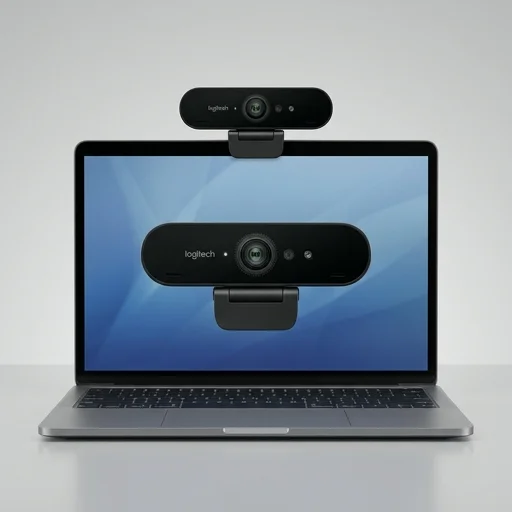 9.1Logitech Brio Webcam
- 4K Ultra HD video
- Windows Hello ready
- Superb low-light clarity
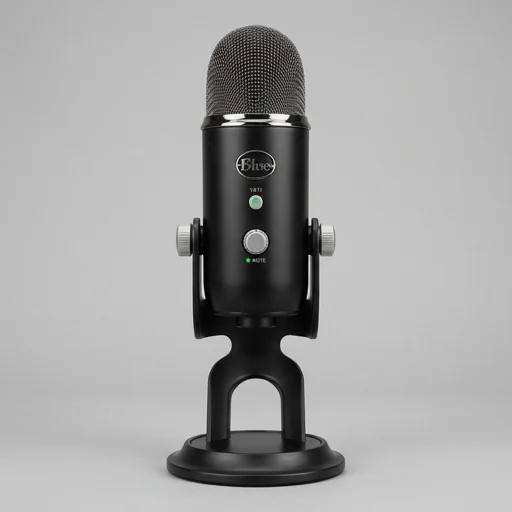 9.1Blue Yeti USB Microphone
- Studio-quality USB audio
- Plug-and-play simplicity
- Multiple recording patterns
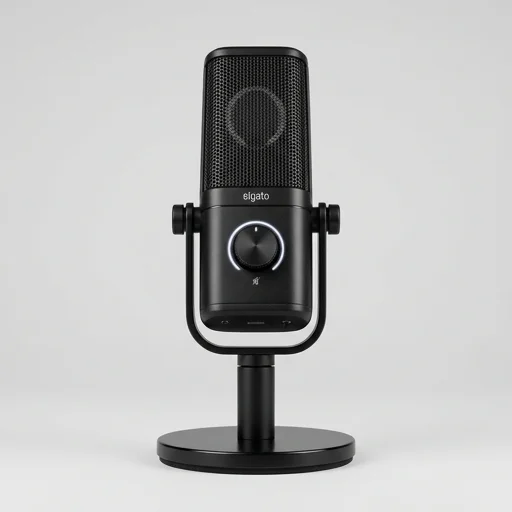 9.1Elgato Wave 3 Microphone
- Studio-quality clear sound
- Tap-to-mute convenience
- Zero-latency headphone monitoring
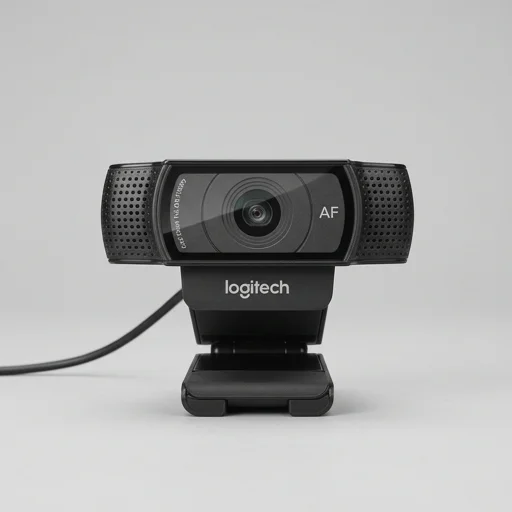 9.0Logitech C920 HD Pro Webcam
- Crisp 1080p video
- Plug-and-play setup
- Built-in stereo mics