
 #7 of 19 in Tablet Gear
Stylusby Microsoft
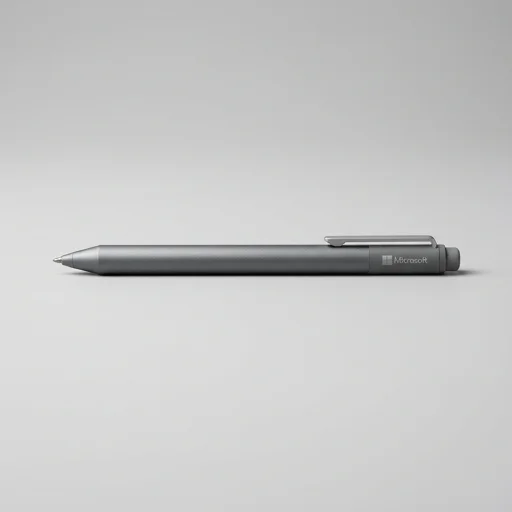
Microsoft Surface Pen
The Microsoft Surface Pen remains one of the best active styluses for digital note-taking and sketching, offering excellent pressure sensitivity, tilt support, and low-latency performance tailored specifically for Surface devices.
- Build quality9.7
- Performance9.7
- Ease of use9.0
- Value9.0
- Precise pressure-sensitive writing
- Magnetic Surface attachment
- Natural tilt shading support
As an Amazon Associate we earn from qualifying purchases. Price and availability are shown on Amazon.
Our take
What it's like to live with
The Microsoft Surface Pen is a precision stylus engineered specifically for Surface laptops and tablets, bringing natural writing and drawing capabilities to digital note-taking and creative work. Designed with a tilt-sensitive tip and support for 4,096 levels of pressure sensitivity, the pen translates the subtle nuances of handwriting and sketching onto the screen with remarkable accuracy. Its slim aluminum body feels balanced and substantial in hand, closely mimicking the experience of using a traditional pen or pencil, while the textured tip glides smoothly across the glass display of compatible Surface devices without unwanted friction or skipping.
Functionality extends well beyond basic input, as the Surface Pen integrates seamlessly with Windows Ink, allowing users to jot quick notes, mark up documents, or launch sketch applications with a simple click of the top button. The side-mounted shortcut button offers customizable actions, enabling quick access to screenshots, digital assistants, or favorite apps depending on user preference. Magnetic charging and pairing make the pen easy to attach to the side of compatible Surface tablets and laptops, where it stays securely in place during transport while also replenishing its battery, eliminating the hassle of separate charging cables or frequent battery replacements.
Built for professionals, students, and creatives alike, this stylus enhances productivity across note-taking apps, PDF annotation tools, and illustration software such as OneNote and various drawing programs. Its ergonomic design reduces hand fatigue during extended use, making it suitable for long study sessions, detailed artwork, or business presentations requiring on-the-fly annotations. Available in multiple colors to match different Surface models, the pen complements the broader Surface ecosystem, reinforcing its role as an essential accessory for anyone seeking a more tactile, intuitive way to interact with their laptop or tablet screen.
Spec sheet
Technical specifications
- Pressure Sensitivity
- 4096 levels
- Connectivity
- Bluetooth 4.0
- Battery Type
- 1x AAAA battery
- Battery Life
- Up to 1 year
- Compatibility
- Surface Pro, Surface Book, Surface Laptop, Surface Go
- Brand
- Microsoft
- Type
- Stylus
Key features
What you get
- 014,096 levels of pressure sensitivity
- 02Tilt support for shading and angled strokes
- 03Magnetic attachment to Surface devices for pairing and storage
- 04Bluetooth 4.0 for shortcut button functionality
- 05Replaceable soft HB-style tip for paper-like feel
- 06AAAA battery with up to 1 year of life
Pros & cons
The good and the trade-offs
What we like 6
- Extremely low latency, near-instant ink response
- Comfortable, lightweight design mimics real pen
- Strong magnetic attachment holds securely to Surface edge
- Tilt and pressure sensitivity feel natural for drawing and writing
- Easy Bluetooth pairing with click-and-connect setup
- Eraser and shortcut button add useful functionality
Watch out for 6
- Requires separate battery purchase and replacement over time
- Only fully compatible with Surface devices
- Tips wear down and need periodic replacement
- No USB-C charging; relies on disposable batteries
- Can roll off flat surfaces without magnetic attachment
- Premium price compared to generic styluses
The verdict
Microsoft Surface Pen
The Microsoft Surface Pen remains one of the best active styluses for digital note-taking and sketching, offering excellent pressure sensitivity, tilt support, and low-latency performance tailored specifically for Surface devices. While it's limited mostly to the Surface ecosystem and relies on replaceable batteries rather than rechargeable tech, its precision and comfortable design make it a worthwhile investment for students, artists, and professionals who rely on their Surface for handwritten notes or digital art.
Check price on AmazonKeep comparing
More in Tablet Gear
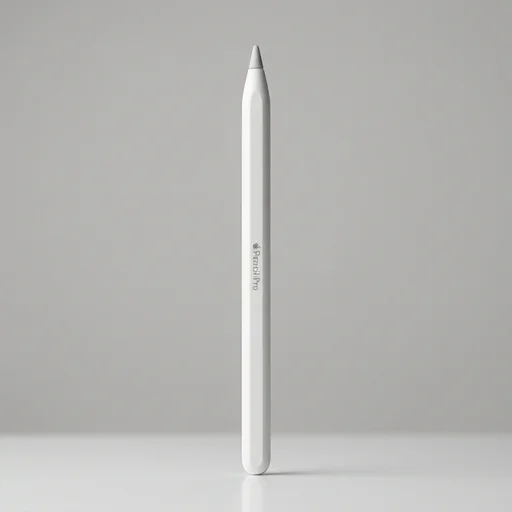 9.5Apple Pencil Pro
- Precision tilt control
- Instant magnetic charging
- Customizable squeeze gesture
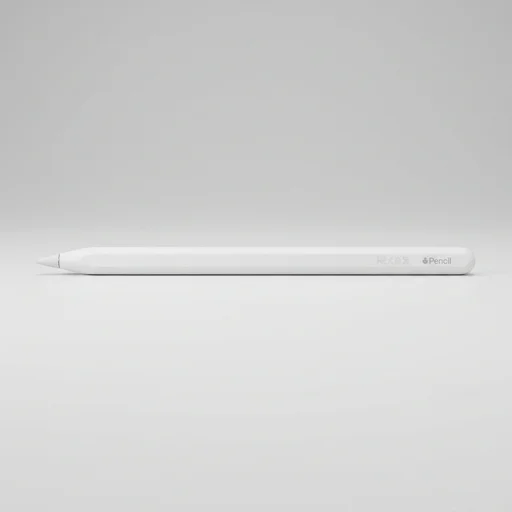 9.2Apple Pencil (2nd Generation)
- Magnetic wireless charging
- Pressure-sensitive precision
- Double-tap tool switching
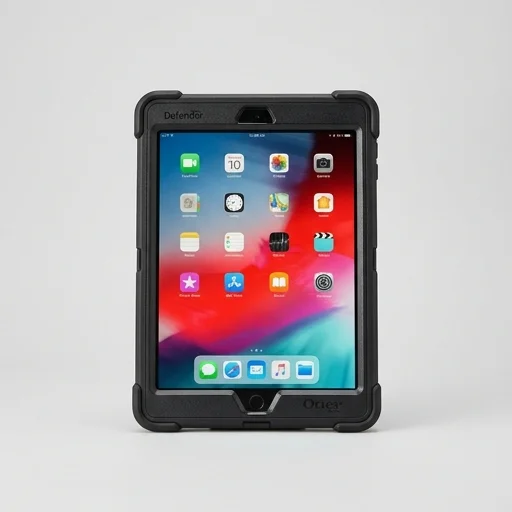 9.2OtterBox Defender Series Case for iPad
- Military-grade drop protection
- Built-in screen shield
- Dust-proof port covers
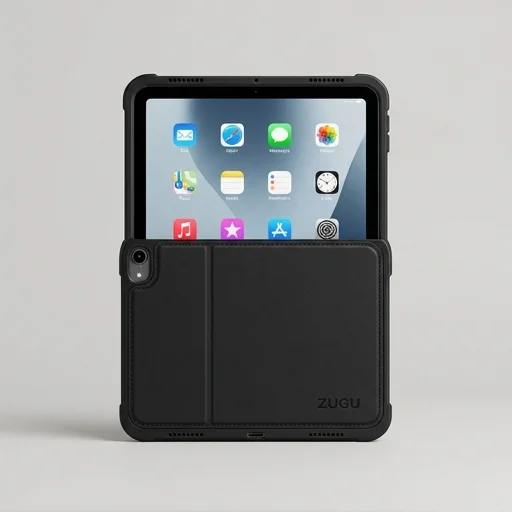 9.0ZUGU Case for iPad
- Rugged drop protection
- Multi-angle magnetic stand
- Slim yet durable